
Software-Defined Radio Explained: How SDR Transceivers Work and Who They Suit (2026 Guide)
Posted by Steve Kennedy - VK6SJ
Software-Defined Radio Explained: How SDR Transceivers Work and Who They Suit (2026 Guide)
The first time I saw a band on a waterfall display, I'd just written it off for the evening. Ten metres sounded dead. I'd tuned up and down a few times and heard nothing but a hiss. Then the screen showed me a little cluster of traces sitting quietly at the top end, a handful of stations I'd tuned straight past. I went back, worked two of them, and didn't touch the old rig again that week.
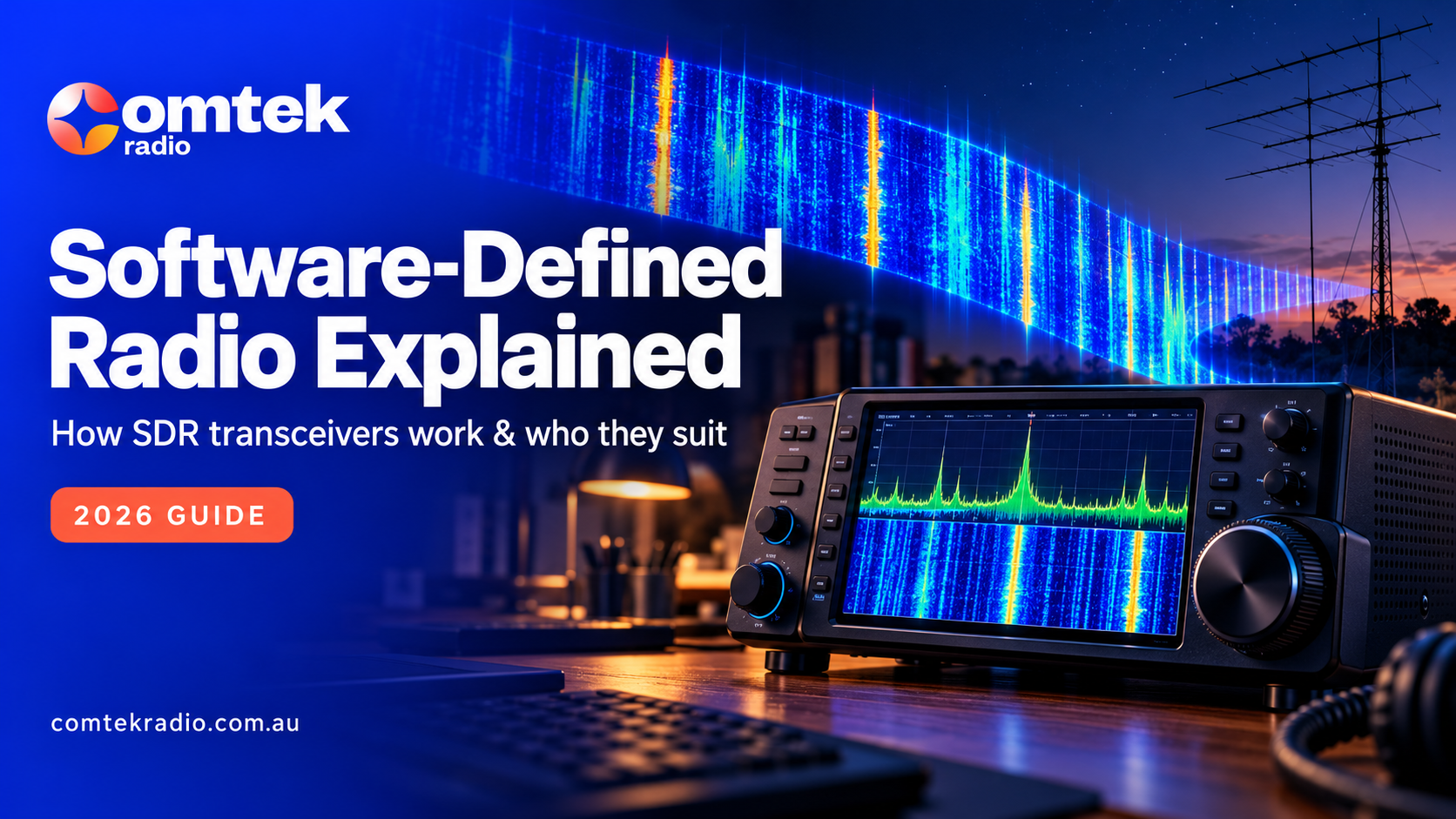
That's the moment most people get hooked on software-defined radio. It's also why it comes up at every club night now, usually followed by someone asking, "What is software-defined radio, really, and do I need to be a computer person to run one?"
Fair question. There's a lot of marketing noise around SDR, and plenty of people have bought the wrong thing because nobody explained it in plain words.
So this guide does that. You'll find out what an SDR actually is, how it differs from the radio you already own, whether you need a computer, how remote operation works in practice, and which SDR transceivers are sold in Australia and who each one suits. No spec-sheet worship. Just how it works on the air.
What is a software-defined radio?
A software defined radio is a radio where most of the work that used to be done by fixed hardware (filtering, demodulation and the like) is done by software running on a processor. The signal from your antenna is turned into digital data very early, and the software does the rest. Because of that, the radio can be improved through software updates.
Here's the plain version of how it works.
Your antenna picks up signals as usual. In a traditional radio, those signals pass through a chain of mixers, oscillators and crystal filters, each stage shaping the signal a little more before you hear it. Every one of those stages costs money to build well, and every one adds a bit of its own noise.
An SDR takes a shortcut. Modern designs, like the direct sampling radios FlexRadio builds, convert a big chunk of the radio spectrum into digital numbers almost straight off the antenna. From that point on, it's all maths. The processor sorts out which signal you want, filters it, demodulates it into audio and sends it to your speaker.
The bonus is that the radio can show you what it's "seeing". That's where two words you'll hear a lot come in.
A panadapter is a live picture of a whole slice of the band. Signals appear as peaks, so you can see them before you hear them. Strong stations stand tall, weak ones barely poke above the noise.
A waterfall sits underneath and scrolls down the screen like a slow rainfall, showing the history of each signal over the last few seconds or minutes. A CW station leaves a thin line. An SSB signal shows as a wider smudge. Digital modes make neat little patterns of their own.
Once you've used both for a fortnight, tuning blind feels a bit like driving at night with the headlights off.
SDR vs a traditional radio: what changes?
The biggest change is that you see the band instead of hunting through it. An SDR transceiver also gets better through software updates, lets you shape filters to suit conditions, and can listen to more than one frequency at once. The trade-off is a learning curve, and you'll be using screens more than knobs.
So how do software-defined radios work differently day to day? Mostly in ways you notice the moment you sit down.
You stop tuning blind. On a traditional rig you spin the dial and hope. On an SDR you glance at the panadapter, spot the signal and click on it. In a contest, or when a band is opening and closing quickly, that saves real time.
The radio can improve after you buy it. Since so much of the radio lives in software, the manufacturer can add features and fix problems with an update. A traditional radio is usually as good as it'll ever be on the day it leaves the box.
Filtering is flexible. You can narrow or widen a filter with a drag of the mouse or a touch of the screen and slide it around a signal to dodge a neighbour. No need to buy an optional crystal filter for a particular mode.
More than one receiver. FlexRadio calls these "slices". Think of each slice as a separate receiver you can drop anywhere in the band or on a different band altogether. Watching a DX net on 20 metres while keeping an ear on 40 metres is normal practice.
Remote operation is built into the idea. If the radio already talks to a screen over a network, it's a short step to that screen being somewhere else. More on that in the next section.
Now the honest bit. There are trade-offs, and they're real.
There's a learning curve. Took me a week to stop reaching for a knob that wasn't there. You're also relying on software and, for some setups, a home network, so a flaky router can become a radio problem. And some operators simply enjoy physical controls. Plenty of old-timers at the club still swear by their knobs, and good on them. A well-set-up traditional rig on a good antenna will still work the world.
One thing worth knowing: SDR has quietly become the way most new radios are built. Several of the big manufacturers now put SDR circuits behind a familiar front panel, so many people already own one without realising. The question isn't really "SDR or not". It's how much of the SDR you want to see and control.
|
Feature |
Traditional radio |
SDR transceiver |
|
Finding signals |
Tune and listen |
See them on the panadapter and click |
|
Filtering |
Fixed or optional add-on filters |
Adjustable in software |
|
Updates and new features |
Rare, usually none |
Regular software updates |
|
Receivers |
Usually one, sometimes two |
Several independent receivers on many models |
|
Remote operation |
Needs extra add-on gear |
Often built in |
|
Learning curve |
Familiar for most hams |
Takes a little time |
|
Controls |
Knobs and buttons |
Screen, mouse, touch, or a physical controller |
Do I need a computer to use one?
It depends on the model. Some SDR transceivers need a PC, laptop or tablet running software to operate. Others have a full front panel with a screen and knobs built in, so you can just switch on and operate. There are also dedicated controllers that run the radio without a computer.
Let's break that down, because this is the question I'm asked most.
Option one: the radio with no front panel. This is a box with sockets on it. You run it from software on a PC, Mac, iPad or iPhone. Some people love this. The radio can live in a corner of the shack, and your "front panel" is whatever screen you like, as big as you like.
Option two: the radio with a full front panel. Same SDR inside, but with a built-in touchscreen and proper controls. Switch it on and operate, just like any other rig. You can still connect a computer later if you want bigger displays or digital modes.
Option three: a dedicated controller. FlexRadio's Maestro control console is a good example. It's a small unit with a touchscreen, tuning knobs and buttons that connects to the radio directly or over your home network. No PC needed, and you can carry it to another room.
I had a club member a while back who was genuinely nervous about "the computer side". He'd used the same radio for twenty years and was worried he'd spend his weekends fighting software updates. We sat down with a front panel model one Saturday. Within an hour he was clicking around the waterfall like he'd been doing it for years. His words: "Well, that's annoying. It's easy." He still hasn't gone near the advanced settings, and he doesn't need to.
Ham radio remote operation: running your station from somewhere else
This is where SDR gets really interesting for Australians. With ham radio remote operation, the radio, antennas and amplifier stay at home. You control them over the internet using software on a laptop, tablet or phone, or with a controller like Maestro. In effect, your home shack becomes a remotely accessed radio station you can use from almost anywhere with a decent connection.
FlexRadio radios do this through their SmartLink feature, which lets you log in to your radio from outside your home network.
A few years ago we took the caravan up the coast for a few weeks. The station stayed at home, and each evening I'd open the laptop at the van park and work stations on my home antennas. Far better than anything I could string up between two trees. One night the park's internet dropped out halfway through a contact with a station in Europe. Audio froze, then nothing. By the time I'd tethered to my phone, he'd moved on. Lesson learnt: always have a backup connection.
What you'll need, and what to expect:
- Decent internet at both ends. Your home connection's upload speed matters as much as the connection where you are. Rural and satellite internet can work, but test it before you rely on it.
- A little delay. There's always some lag between turning the knob and hearing the change. You get used to it for SSB and digital modes. Fast CW and contesting can feel trickier.
- A safe, unattended station. Think about what happens if something goes wrong while you're 1,000 kilometres away. A way to switch power off remotely, sensible lightning protection and an antenna system that won't misbehave all matter.
- Your licence conditions still apply. Operating remotely doesn't change your obligations. Check your licence conditions with the ACMA before you set up, especially around unattended and remote operation.
Which SDR transceivers are sold in Australia?
ComTek Radio stocks the current FlexRadio range, which covers the FLEX-8000 series and the newer Aurora series. Each comes with or without a built-in front panel. The easiest way to choose is by how you operate, rather than by comparing specs line by line.
As Australia's FlexRadio specialist, these are the models we know inside out. Here's a simple "who it suits" walk-through of each SDR transceiver in the current range. You can see full details on our FlexRadio SDR transceivers page.
FLEX-8400: a first serious SDR, PC or controller operated. A 100 watt HF and 6 metre radio with no front panel. It suits operators who are happy running the radio from a computer, tablet or Maestro, and who like the idea of tucking the radio out of sight. A sensible way into the FlexRadio system.
FLEX-8400M: the same radio with a front panel. Everything the 8400 does, plus a built-in touchscreen and proper dual VFO knobs. It's fully self-contained, so you can plug it in and operate without a PC. This is the one I point most knob-lovers towards for their first SDR transceiver.
FLEX-8600 and FLEX-8600M: the step up for serious DXers and contesters. Also 100 watts, but built with more receiver performance for crowded bands and busy contest weekends. The M version adds the front panel. If you chase rare DX or operate contests often, start here.
Aurora series (AU-510, AU-520 and their M versions): high power in one box. The Aurora puts a 500 watt transmitter, power supply and automatic antenna tuner inside a single chassis, so there's no separate amplifier to wire up. It suits operators who want high power with less clutter, and remote-first stations where fewer boxes means fewer things to go wrong. The M versions add a touchscreen front panel and can be used without a PC.
Before you choose, ask yourself a few simple questions:
- How do you actually operate? Casual ragchewing, digital modes, DX chasing or contests all point to different models.
- Knobs or a screen? If you love physical controls, go for an M model or add a Maestro.
- Does remote matter? If you travel a lot or have a small block in town and a better site elsewhere, plan the whole station around remote use from day one.
- What's your antenna and coax like? This one gets skipped far too often.
That last point deserves its own story. A chap came to us a while ago after spending big on a new SDR transceiver. He was disappointed. Signals were no better than his old rig. When we asked about the rest of his station, it turned out he was running a tired wire antenna through thirty metres of cheap coax with a corroded connector at the far end. The radio was fine. It was simply showing him, in high definition, how little was getting through. A new feed line and a properly tuned antenna fixed it in an afternoon.
An SDR can't fix a poor antenna system. Budget for good antennas and decent coax and connectors alongside the radio, not after it.
Is a Software Defined Radio Right for Your Shack?
If you like seeing what's happening on the band, enjoy trying new features, or want to operate from somewhere other than home, an SDR will probably make you very happy. If you love your current rig and its knobs, there's no rule saying you have to change. Both choices are fine.
What I've noticed over the years is that Australian operators get a lot out of SDR. We're a long way from each other and from most of the world, and many of us live where noise or council rules make a good antenna hard. Being able to see weak openings, and to run a well-sited station remotely from the city or the caravan, levels the playing field a little. Even on patchy rural internet, a remote station often beats whatever wire you can throw up on a holiday.
My advice? Have a play with one before you decide. Watch a band on a waterfall for ten minutes and you'll know if it's for you.
Just be warned. An SDR shows you everything on the band. Including how much your antenna has been missing.
Not sure which SDR suits the way you operate? Have a look through the FlexRadio range, or have a chat with the team at ComTek Radio on 1300 141 939 or sales@comtekradio.com.au. We'll help you match the radio to your station, not the other way round.